How to Automate Upwork Proposals with AI
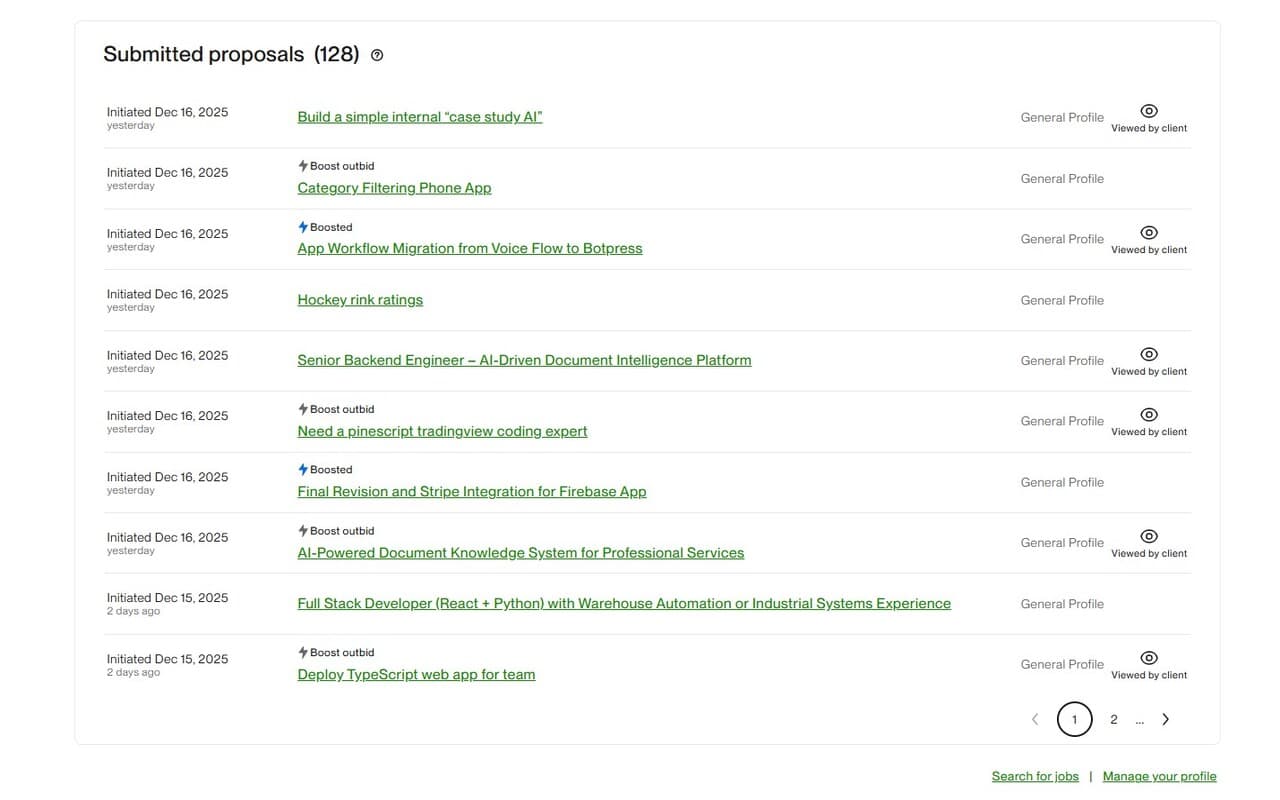
AI can cut proposal writing time from 20 minutes to 2 minutes. But pure automation often creates generic proposals clients ignore. The winning approach is assisted automation: let AI draft fast, then add targeted human edits before sending.
This article gives you a practical workflow to automate Upwork proposals at scale while keeping each application relevant and human.
Why proposal automation matters
Upwork is partly a speed game. Strong freelancers often lose opportunities because they respond late. Automation helps you respond earlier, keep quality consistent, and reduce writing fatigue.
The key is not sending more proposals blindly. It is sending better first drafts faster, then spending your time on smart personalization.
The 4-part AI proposal stack
- Job analysis layer: Extract scope, skills, urgency, and risks from the post.
- Portfolio matching layer: Attach your best 1-3 relevant past works automatically.
- Draft generation layer: Build a clear first draft with tailored opening and CTA.
- Human polish layer: Add one insight and one project-specific question before sending.
Step-by-step automation workflow
Step 1: Filter jobs before drafting
Use a client/job quality check before proposal generation. Automation on low-intent jobs still wastes connects.
Start with this connect-saving framework and job-client analyzer signals.
Step 2: Generate first draft with AI
Let AI produce your first proposal version from the job post plus your profile context. Aim for short, direct proposals focused on outcomes.
Step 3: Auto-match relevant past work
The fastest way to improve credibility is linking relevant proof. AI matching reduces manual searching and increases proposal relevance.
Step 4: Add human signal in 30 seconds
- Add one line proving you understood their exact project context.
- Add one clarifying question to show ownership and reduce risk.
Step 5: Send and track patterns
Track opening response rate and interview rate by niche. Then tweak your prompts, tone, and proposal length based on results.
Common mistakes to avoid
- Fully raw AI output: Clients detect generic copy quickly.
- No job filtering: You automate wasted connects at scale.
- Irrelevant proof links: Too many unrelated examples reduce trust.
- Long proposals: Most clients prefer concise and outcome-driven writing.
- No messaging workflow: Proposal wins still need quality follow-up.
How BidPilotPro helps
BidPilotPro is built for practical automation, not blind automation. Inside our Chrome extension, you can:
- Analyze job and client quality before spending connects
- Generate tailored proposal drafts in one click
- Match relevant past work automatically
- Handle follow-up with AI message copilot
Explore related guides: proposal generator, bid strategy, message copilot.
Final takeaway
The best automation system is AI + judgment. Let AI handle structure and speed, and let your expertise handle relevance and trust.
Get Started Free