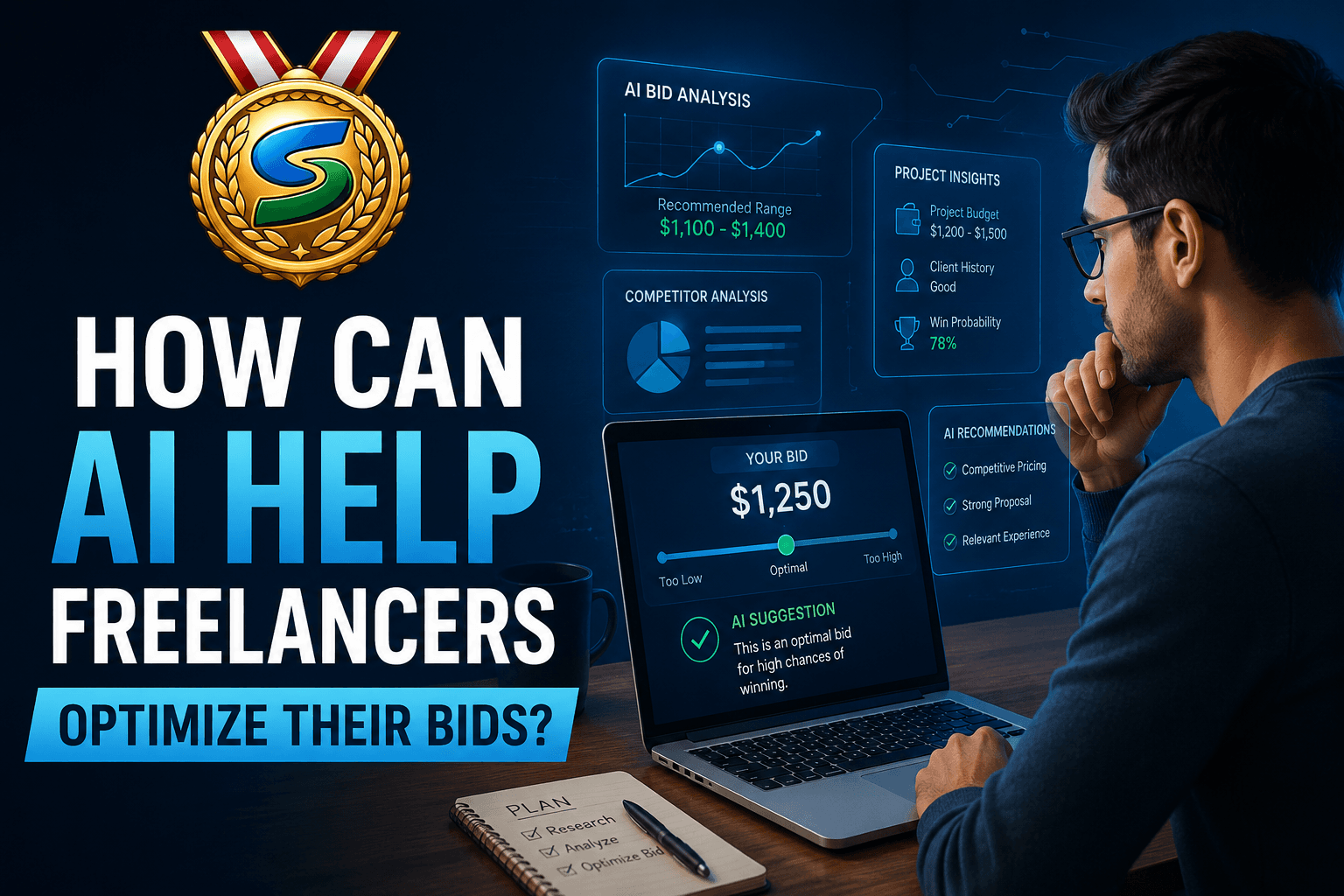
Freelance marketplaces move fast. Popular posts often attract many proposals quickly, so freelancers feel pressure to bid faster and sound more relevant than the next person. Artificial intelligence does not replace judgment, but it can remove repetitive work and surface patterns you might miss when you are tired or in a hurry.
Below is a practical look at where AI helps, what still needs a human, and how a purpose-built tool like BidPilotPro fits into a serious bidding workflow.
1. Faster first drafts without starting from a blank page
Generic templates get ignored. At the same time, writing every cover letter from scratch does not scale. A sensible middle path is: AI drafts structure and language, while you add specifics—one real example, one line that proves you read the post, and a clear next step.
BidPilotPro is built for that workflow on Upwork (and has a separate flow for Freelancer.com): it is a Chrome extension aimed at one-click proposal generation with context from the job page, not a disconnected chat where you manually paste the same job description again and again. If you are comparing “ChatGPT in a tab” vs. a dedicated product, your own comparison is useful: https://www.bidpilotpro.com/blogs/bidpilot-vs-chatgpt
2. Stronger bids when past work is matched to the job
Clients often skim for proof: Have you done something like this before? Picking the wrong portfolio link—or skipping links—hurts conversion.
BidPilotPro emphasizes intelligent past-work matching (using AI embeddings to surface relevant examples for each job), which aligns with a bidding strategy that leads with proof. For more on why relevant links matter, see: https://www.bidpilotpro.com/blogs/why-past-work-links-win-upwork-bids
3. Smarter which jobs to bid on - not only how you write
“Optimizing bids” is not only copy. It is also connect spend, client history, and job quality. Chasing every post is expensive.
BidPilotPro’s Upwork job and client analyzer (including a 0–100 job score and AI-oriented insights) is meant to help you decide before you burn connects. Overview of how that scoring mindset works:https://www.bidpilotpro.com/blogs/upwork-client-job-analysis-score-system
4. Automation where it belongs: speed on the page, not spam
Industry discussion often contrasts three approaches: raw general-purpose AI, templates plus light AI polish, and specialized bidding tools that sit on the marketplace and reduce friction. Dedicated tools typically win on integration (no endless copy-paste) and repeatable quality when settings and limits are set responsibly.
For a broader tool landscape (with BidPilotPro placed in context): https://www.bidpilotpro.com/blogs/best-upwork-proposal-tools
Automation-focused angle: https://www.bidpilotpro.com/blogs/how-to-automate-upwork-proposals-with-ai
5. After the bid: keep the conversation sharp
Winning the reply is only step one. Clear, professional client messages protect your time and your reputation.
BidPilotPro also promotes Upwork Message Copilot as an AI-assisted communication tool:https://www.bidpilotpro.com/upwork-message-copilot
6. If you work on Freelancer.com as well
BidPilotPro positions a Freelancer.com auto bidder alongside the Upwork proposal workflow—useful if you run a multi-platform freelance business:https://www.bidpilotpro.com/freelancer
Related read:https://www.bidpilotpro.com/blogs/freelancer-ai-auto-bidder
Practical checklist (what “optimized” usually means)
- Qualify the job (budget, scope, client signals, fit with your stack).
- Open with relevance—one sentence tied to their exact ask.
- Show proof—matched past work, not a generic portfolio dump.
- Propose a plan—milestones, timeline, or discovery step.
- Edit the AI—trim fluff, fix tone, add numbers and names.
- Track what converts—double down on job types and opener patterns that get replies.
More tactical bidding content on your site:
https://www.bidpilotpro.com/blogs/how-to-win-upwork-bidshttps://www.bidpilotpro.com/blogs/upwork-proposal-generatorhttps://www.bidpilotpro.com/blogs/upwork-proposal-examples-ai